chmod, chown and umask: the difference, with Linux examples
chmod changes what can be done, chown changes the owner, and umask sets the permissions of new files. Tested examples and how to fix Permission denied.
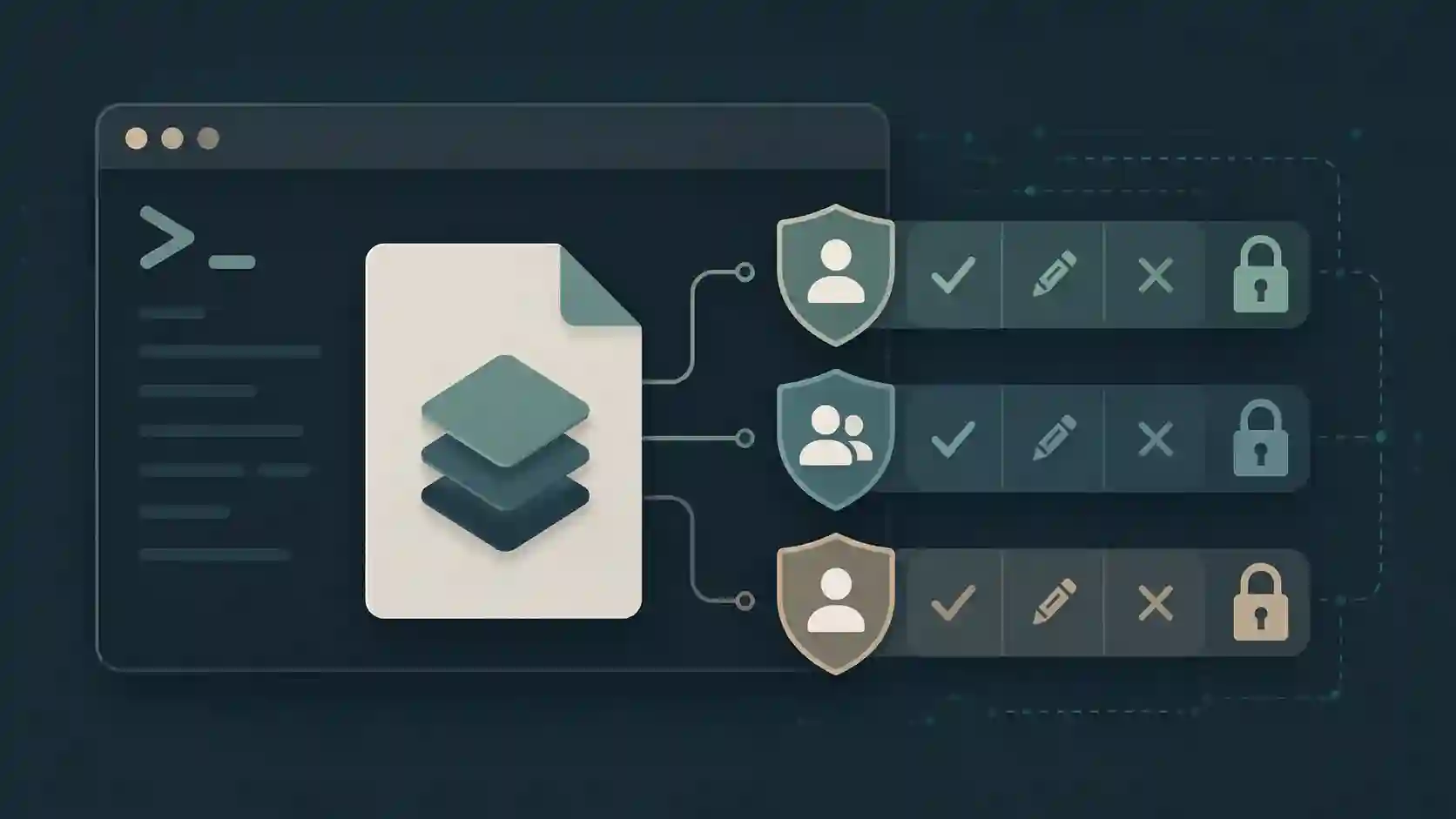
You ship a new deploy and the server answers 403 for files that exist and sit in the right place. Or worse: nginx reads the file, but the application can't write to the uploads folder, and the log shows a generic Permission denied that says neither what nor why. Linux permissions follow a consistent internal logic, but when you don't own the three commands that control them, every problem becomes trial and error until someone suggests chmod 777.
The difference between the three, one sentence each:
chmodchanges what can be done with a file (read, write, execute) by owner, group and others.chownchanges who owns the file and which group it belongs to.umaskdecides which permissions new files are born with, before anychmod.
This post explains how each one works and where they meet on a server. What each number means (644, 755, 775, 640, 600) is already covered in the sibling post, Linux permissions 755, 775 and 644; I won't repeat that table here and will focus on the mechanism instead. I ran every command below in a Debian 12 container (coreutils 9.1), as root and with regular users created for the test.
How Linux decides who can do what
Every file has an owner, a group and a set of permissions for three audiences: the owner, members of the group, and everyone else (others). Each audience gets a combination of read (r), write (w) and execute (x).
$ ls -l /var/www/html/index.php
-rw-r--r-- 1 www-data www-data 1234 Jun 10 14:32 index.php
The first character is the type (- file, d directory). Then come three blocks of three letters: owner (rw-), group (r--) and others (r--). The two www-data columns are the owner and the group.
The kernel checks a single audience: if you are the owner, the owner bits apply; otherwise, if you are in the group, the group bits apply; otherwise, the others bits. It does not add them up. That explains a case that trips people up: a 604 file lets others read but not the group.
The other detail that breaks deploys is that on a directory, x means traverse. To read /var/www/app/public/css/a.css, the process needs x on every directory along the path, not just r on the final file. namei -l shows the whole path at once, and it's the first command I run when I see a Permission denied:
$ namei -l /var/www/app/public/css/a.css
f: /var/www/app/public/css/a.css
drwxr-xr-x root   root     /
drwxr-xr-x root   root     var
drwxr-xr-x root   root     www
drwxr-x--- deploy www-data app
drwxr-x--- deploy www-data public
drwx------ deploy www-data css
-rw-r----- deploy www-data a.css
The file is group-readable, but the css directory is 700: the web server user, which is in the www-data group, gets Permission denied on cat. The problem sits one level above the file.
chmod: what can be done
chmod takes two notations. Octal sets the full state at once (chmod 640 config.php); that's what I use in deploy scripts, because the result doesn't depend on the previous state. How each digit adds up and the common values live in the post about 755, 775 and 644.
Symbolic adjusts bits without touching the rest: [ugoa][+-=][rwx].
chmod u+x deploy.sh         # execute for the owner only
chmod g-w report.csv        # remove write from the group
chmod o= secret.txt         # clear everything for "others"
chmod u=rw,g=r,o= app.conf  # set all three audiences at once
A catch almost no tutorial mentions: without u, g, o or a, chmod honors the umask. The GNU coreutils manual says that when the users part is omitted it defaults to a (everyone), except that permissions set in the umask are not affected. In practice:
$ umask
0022
$ chmod 444 b && chmod +w b && stat -c '%a %A' b
644 -rw-r--r--
$ chmod 600 a && chmod +x a && stat -c '%a %A' a
711 -rwx--x--x
+x became execute for everyone, but +w only reached the owner, because umask 022 masks group and others write. With umask 077, the same chmod +x leaves the file at 700. If you want a predictable result, name the audience: chmod a+x, chmod u+x.
Recursive without breaking the tree
chmod -R applies the same mode to files and directories, and they need different things: a directory needs x to be traversed; a regular file shouldn't have x. The safe pattern splits them with find:
find /var/www/app -type d -exec chmod 750 {} +
find /var/www/app -type f -exec chmod 640 {} +
The trailing + passes many paths per chmod call, much faster than \; on a big tree.
SUID, SGID and the sticky bit
These are the three special bits, in the octal digit that comes before the other three:
chmod 4755 program       # SUID: the binary runs as its owner
chmod 2775 /srv/project  # SGID on a directory: new files inherit the group
chmod 1777 /srv/drop     # sticky bit: only a file's owner can delete it
/tmp is the classic sticky bit example, and it is 1777 (drwxrwxrwt): everyone writes, nobody deletes what belongs to someone else. I tested it with two users: in a 1777 directory, alice creates a file and bob's rm fails with Operation not permitted. If you use 1755 instead, alice can't even create a file there (Permission denied), because the sticky bit grants write to nobody: it only restricts deletion.
SGID on a directory is what makes shared folders work. With /proj at 2775 and group team, the file alice created came out alice:team, and the subdirectory came out 2755, inheriting the SGID itself. Without it, each new file would land in its creator's primary group.
SUID is normal on system binaries (/usr/bin/passwd uses SUID so users can change their own password). On your own files in production, avoid it: if the program has a flaw, it runs with the owner's privileges.
chown: who owns it
chown deploy file
chown deploy:www-data file
chown :www-data file             # group only (same as chgrp)
chown -R deploy:www-data /var/www/app
The rule the kernel enforces: changing the owner requires root. Without root, you can only change the group of a file you own, and only to a group you belong to. In the test, alice (a member of team) could chown :team her own file and got Operation not permitted when trying chown bob and chown :other.
The deploy scenario, done right
The pattern I use for an app served by nginx or PHP-FPM: the deploy user owns the files, the web process is in the group, and others are kept out.
sudo chown -R deploy:www-data /var/www/app
sudo find /var/www/app -type d -exec chmod 750 {} +
sudo find /var/www/app -type f -exec chmod 640 {} +
sudo chmod 770 /var/www/app/storage /var/www/app/logs
sudo chmod 600 /var/www/app/.env
The deploy owner writes everything. The www-data group traverses directories and reads files but changes nothing, except storage and logs, where the app has to write. Others can't get in. .env stays 600 if only the deploy user needs it; if the application, running as www-data, reads .env, it must be 640 with group www-data, or the site stops working.
The shortcut many people write is chmod -R 750 on the root followed by chmod -R 644 on public/. I ran exactly that: the public and public/css directories ended up 644 (drw-r--r--), with no x, and the www-data group user got Permission denied reading a readable CSS file. In production that's a 403 on every static asset. With find splitting directories from files, the same cat worked.
umask: which permissions files are born with
umask doesn't change any existing file. It is a property of the process, inherited by its children, and it kicks in at creation time: the program requests a mode (usually 666 for files and 777 for directories) and the kernel clears the bits that are set in the umask. Per the umask(2) man page, the math is mode & ~umask.
It's a mask, not a subtraction, and the difference shows as soon as the umask has bits the requested mode doesn't have:
$ umask 033; touch f033; mkdir d033
$ stat -c '%a %A %n' f033 d033
644 -rw-r--r-- f033
744 drwxr--r-- d033
With subtraction, 666 - 033 would be 633. The real result is 644: the group and others x that the umask says to remove was never in 666, so there's nothing to take away. For the directory, 777 & ~033 gives 744, a directory that group and others can't traverse. The values I tested in the same container:
| umask | new file | new directory |
|---|---|---|
022 |
644 | 755 |
027 |
640 | 750 |
033 |
644 | 744 |
077 |
600 | 700 |
umask with no argument prints the current value as four digits (0022); the first one maps to the special bits. The command applies to the current shell and whatever it starts. To persist it, use the user's profile (.profile/.bashrc) or, for a service, the systemd directive:
[Service]
UMask=0027
The systemd.exec documentation defines UMask= as the service's file mode creation mask, defaulting to 0022 for system units. With 0027, everything the app writes (uploads, logs, cache) is born 640 and directories 750, and you don't depend on remembering a chmod after every write. The post on creating systemd services shows the full unit.
Diagnosing Permission denied in four steps
- Which user does the process run as?
ps -o user,group,cmd -C nginxorps aux | grep php-fpm. - Is the whole path traversable?
namei -l /path/to/fileshows mode, owner and group of every directory. - Is the user in the right group?
id www-data. Remember a new group only applies to sessions and processes started after theusermod -aG. - Reproduce as the service user:
sudo -u www-data cat /path/to/file. If it fails here, it's a permission problem; if it works, look elsewhere (SELinux, AppArmor, web server config).
When I need a mode beyond the trivial, like SGID with group write, I double-check the octal and symbolic forms in the chmod calculator before running it in production. For the rest of the server diagnostics routine (logs, processes, disk, ports), the guide to essential Linux commands covers the day-to-day.
Frequently asked questions
What's the difference between chmod and chown?
chmod changes permissions (what owner, group and others can do); chown changes who the owner and group are. They complement each other: a file with the right permissions and the wrong owner blocks the right user, and so does a file with the right owner and overly strict permissions. In practice, fix the owner first and the permissions second.
What does umask 022 mean?
It's the default umask on most distributions: it removes group and others write at creation time. New files are born 644 and directories 755. If you want others to read nothing by default and the group to only read, use 027 (files 640, directories 750).
Why didn't chmod +w give the group write access?
Because without u, g, o or a, chmod leaves alone the bits set in the umask. With umask 022, chmod +w only adds write for the owner. Name the audience explicitly: chmod g+w file.
Do I need sudo to use chown?
To change the owner, yes, always: it's a kernel rule, not a distro policy. Without root you can only change the group of a file you own, and only to a group you belong to. In automated deploys, the simplest setup is having the deploy user already own the files.
Get the umask right and the rest gets simple
The 403 shows up right away and you fix it. The expensive mistake is the silent one: a process with umask 022 writing uploads and logs readable by every user on the machine for months. Set owner and group with chown, split directories from files with find when you chmod, put UMask= in the service unit, and check the path with namei -l. With that in place, every new file is born right and chmod 777 stops looking like a fix.
- 01 CPU Cores vs. Threads: What Actually Changes in Practice Understand the difference between CPU cores and threads and what actually changes for performance, multitasking, gaming, and development.
- 02 MIT, Apache, and GPL Licenses: Practical Differences for Developers MIT, Apache 2.0, and GPL are not the same thing. Understand permissive vs copyleft, patent protection, and compatibility before shipping code to production.