Salt, Pepper, Bcrypt and Argon2id: How to Actually Protect Passwords
LinkedIn stored passwords as unsalted SHA-1; when the 117M dump surfaced, most fell in days. What salt, pepper, bcrypt and Argon2id solve, with OWASP settings.
In June 2012, about 6.5 million LinkedIn password hashes were posted to a Russian forum. They were SHA-1 without salt. In May 2016, the full dump from the same breach went up for sale: more than 117 million accounts. KoreLogic ran the list through its cracking grid and broke 65% of the unique hashes in about two hours; a day later it had recovered the passwords of roughly 86% of the users in the dump. The problem wasn't the database breach itself: it was that the chosen protection made the attack trivial. Modern GPUs test billions of SHA hashes per second.
This post covers what actually protects stored passwords: salt, pepper, bcrypt, and Argon2id. Each layer solves a different problem. If you want the shorter overview first, or the MD5/SHA basics, see password hashing: bcrypt, scrypt, and Argon2 and the MD5, SHA-1, and SHA-256 primer.
Why SHA-256 isn't enough for passwords
SHA-256 is fast. Extremely fast. An RTX 4090 GPU can compute around 22 billion SHA-256 hashes per second.
That's great for file integrity checks. For passwords, it's catastrophic.
The problem: an attacker who obtains a hashed database can test combinations at industrial speed. An 8-character alphanumeric password has just over 218 trillion combinations. At 22 billion hashes per second, that's about 2.7 hours of pure brute force — and with dictionaries and mutation rules, most real-world passwords fall in minutes.
Speed is the wrong property for a password hashing function.
What salt is and what problem it solves
Salt is a random value generated per password, stored alongside the hash in the database.
Before salt, an attacker could use rainbow tables — precomputed tables mapping known hashes to original passwords. You take the hash 5f4dcc3b5aa765d61d8327deb882cf99 and look it up in the table: password. No additional computation required.
With salt, that doesn't work. If each password has a unique 128-bit salt, the attacker would need to precompute a separate rainbow table for each possible salt — computationally infeasible.
original_password: "hunter2"
salt:              "x7Kp9mNqL2..."   (randomly generated)
stored hash:       SHA-256("hunter2" + "x7Kp9mNqL2...") → stored with the salt
Salt is not a secret. It lives in the database alongside the hash. The protection comes from uniqueness, not secrecy.
What salt solves: rainbow tables and shared-hash attacks (two users with the same password will have different hashes).
What salt doesn't solve: direct brute-force against weak passwords. If the password is 123456, an attacker can still test it against that specific user's salt.
What pepper is and what problem it solves
Pepper is a global secret applied to the password before hashing, stored outside the database — in an environment variable, HSM, or vault.
hash = bcrypt(base64(HMAC-SHA384(password, key=pepper)), salt)
The pepper doesn't live in the database. If the database leaks, the attacker has the hashes but not the pepper — and without the pepper, they can't validate password attempts.
What pepper solves: full database compromise. Even with the dump, the hashes are useless without the external secret.
What pepper doesn't solve: if the entire server is compromised (code + database + environment), the pepper is exposed too. It's an extra layer, not an absolute guarantee.
Don't apply it by concatenation. bcrypt(password + pepper) looks fine until a user picks a long password: bcrypt only reads the first 72 bytes, so the pepper gets pushed out of the input and stops doing anything for exactly those users. The keyed HMAC is what OWASP recommends: its output has a fixed size, so the pepper always counts, and base64 keeps the result printable (some bcrypt implementations stop at the first null byte).
import base64
import hashlib
import hmac
import os

import bcrypt

PEPPER = os.environ["PASSWORD_PEPPER"].encode()  # secret outside the database

def _peppered(plain: str) -> bytes:
    mac = hmac.new(PEPPER, plain.encode("utf-8"), hashlib.sha384).digest()
    return base64.b64encode(mac)  # 64 ASCII bytes, within bcrypt's 72

def hash_password(plain: str) -> bytes:
    return bcrypt.hashpw(_peppered(plain), bcrypt.gensalt(rounds=12))

def verify_password(plain: str, stored_hash: bytes) -> bool:
    return bcrypt.checkpw(_peppered(plain), stored_hash)
Plan for rotation: changing the pepper invalidates every hash, so store a pepper version next to the hash and rehash on login.
Why bcrypt is the standard choice
Bcrypt was designed in 1999 specifically for password hashing by Niels Provos and David Mazières. The core idea: be tunable in cost.
The cost factor N makes the function execute 2ⁿ rounds of key derivation. Cost 10 = 1,024 rounds. Cost 12 = 4,096 rounds. Cost 14 = 16,384 rounds.
As hardware gets faster, you increase the cost factor — verification time goes up, but legitimate verification is rarely a latency-critical operation (it happens once per login). Brute-force, on the other hand, becomes proportionally more expensive.
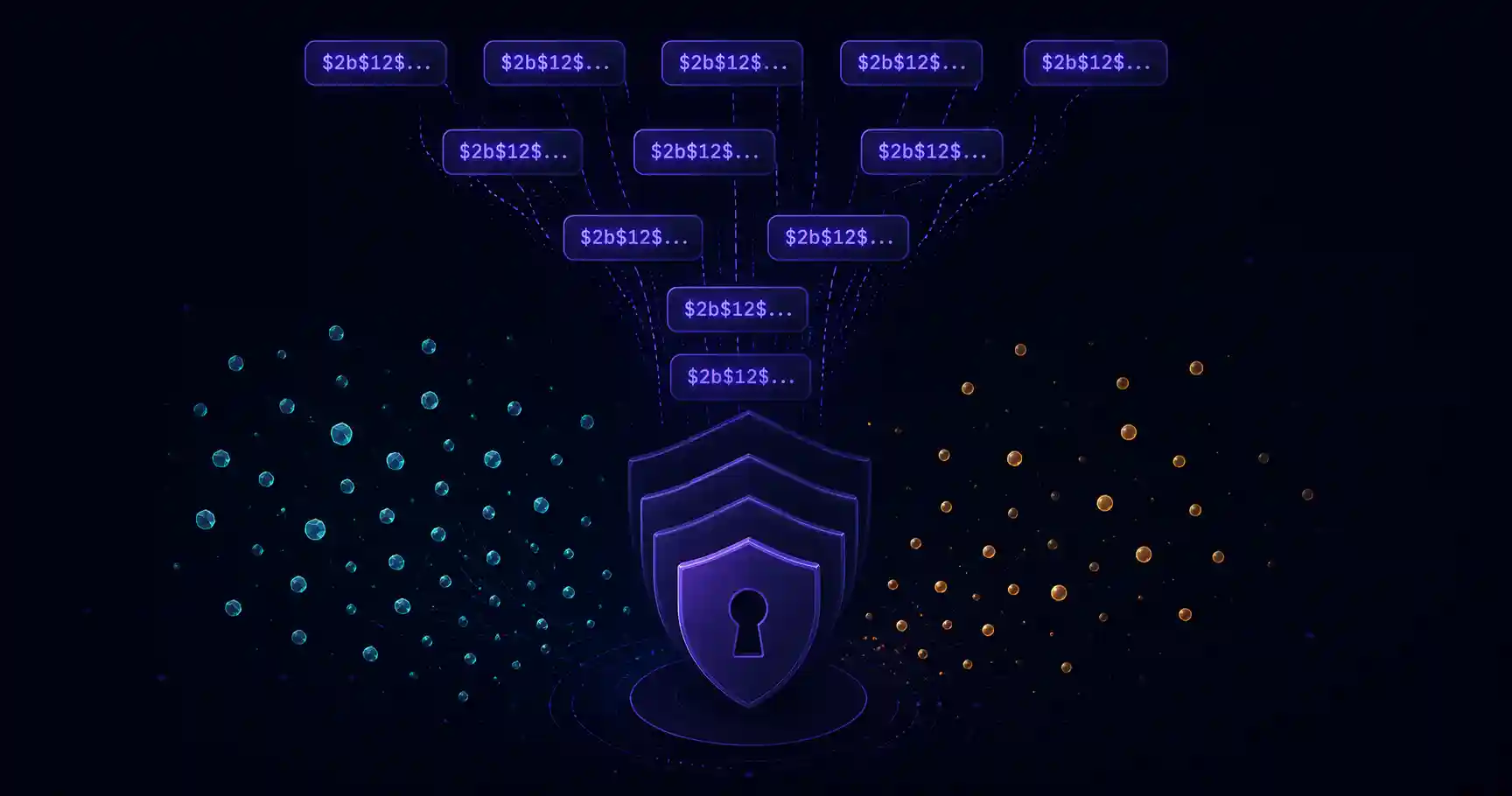
$2b$12$LQv3c1yqBWVHxkd0LHAkCOYz6TtxMQJqhN8/lewrHzPjBPJgTEyF2

$2b$   → algorithm version
12     → cost factor
LQv3c1yqBWVHxkd0LHAkCO → salt (22 chars, 128 bits)
Yz6TtxMQJqhN8/lewrHzPjBPJgTEyF2 → hash (31 chars)
The hash structure includes the salt — so you don't need to store it separately. The bcrypt hash is self-contained.
The 72-byte limit
Bcrypt reads at most 72 bytes of input. What happens past that depends on the library: bcryptjs 3 still truncates silently (two passwords that differ only after byte 72 match the same hash), while Python's bcrypt 5.0 raises a ValueError instead. Bytes, not characters: accented letters and emoji take more than one byte each. In practice this doesn't affect most users, but it's relevant if you allow long passphrases.
The tempting fix is to SHA-256 the password and pass the hex digest (64 bytes) to bcrypt. Don't do it with a plain, unkeyed hash. It enables password shucking: an attacker with unsalted SHA-256 hashes leaked from some other site can feed them straight into your bcrypt hashes and confirm matches without ever cracking the password. If you need to pre-hash, use the keyed HMAC from the pepper section above, base64-encoded; it solves the length limit and the shucking problem at once. The other option OWASP gives is simply capping passwords at 72 bytes.
Recommended cost factor
OWASP asks for a work factor of at least 10. In practice, 12 has become the default in many frameworks, targeting roughly 250ms per hash on the server's hardware. Faster hardware justifies cost 13 or 14.
The practical rule: benchmark on the production server and choose the highest cost factor that keeps login time under 500ms.
// Node.js — cost factor benchmark
const bcrypt = require('bcryptjs');

async function benchmark() {
  const password = 'benchmark-password';
  for (let cost = 10; cost <= 16; cost++) {
    const start = Date.now();
    await bcrypt.hash(password, cost);
    const elapsed = Date.now() - start;
    console.log(`Cost ${cost}: ${elapsed}ms`);
  }
}

benchmark();
Why Argon2id is the most secure choice today
Bcrypt was designed to resist CPUs. The problem: modern ASICs and GPUs have negligible per-chip memory compared to their computational throughput. Bcrypt is CPU-intensive but not memory-intensive — which allows parallelization on specialized hardware.
Argon2id was created to be memory-hard: every guess costs the attacker a configurable amount of RAM — 19 MiB at OWASP's minimum, more if you set it higher. Fast memory is expensive and limited per core, which erodes the advantage of specialized hardware.
Argon2 won the Password Hashing Competition in 2015, was standardized as RFC 9106 in 2021, and Argon2id is OWASP's current first choice for password storage.
The three main parameters:
| Parameter | Meaning | OWASP minimum (current) |
|---|---|---|
m (memory) |
KiB per operation | 19,456 KiB (19 MiB) |
t (iterations) |
processing rounds | 2 |
p (parallelism) |
concurrent threads | 1 |
OWASP also lists equivalent trade-offs, such as m=46 MiB with t=1, or m=12 MiB with t=3. Treat them as floors and go higher if your server can afford it.
# Python — Argon2id with argon2-cffi
from argon2 import PasswordHasher
from argon2.exceptions import VerifyMismatchError

ph = PasswordHasher(
    time_cost=2,        # iterations
    memory_cost=19456,  # 19 MiB
    parallelism=1,
    hash_len=32,
    salt_len=16
)

hashed = ph.hash("my-password")
# $argon2id$v=19$m=19456,t=2,p=1$...

try:
    ph.verify(hashed, "my-password")
    print("password valid")
except VerifyMismatchError:
    print("password invalid")
In Go, golang.org/x/crypto/argon2 returns only the raw key bytes, so encoding is your job. Store the full PHC string — version, parameters, salt, and hash — or you won't be able to verify the password later:
// Go — golang.org/x/crypto/argon2
package main

import (
	"crypto/rand"
	"encoding/base64"
	"fmt"

	"golang.org/x/crypto/argon2"
)

func HashPassword(password string) (string, error) {
	salt := make([]byte, 16)
	if _, err := rand.Read(salt); err != nil {
		return "", err
	}
	const t, m, p, keyLen = 2, 19456, 1, 32
	key := argon2.IDKey([]byte(password), salt, t, m, p, keyLen)

	b64 := base64.RawStdEncoding
	// $argon2id$v=19$m=19456,t=2,p=1$<salt>$<hash>
	return fmt.Sprintf("$argon2id$v=%d$m=%d,t=%d,p=%d$%s$%s",
		argon2.Version, m, t, p,
		b64.EncodeToString(salt), b64.EncodeToString(key)), nil
}
To verify, split the string on $, parse m, t, and p, decode the salt and hash, recompute with argon2.IDKey, and compare with subtle.ConstantTimeCompare. Because it's the standard format, a hash produced by this function verifies in argon2-cffi and the Node argon2 package, and vice versa.
Argon2i, Argon2d, or Argon2id?
- Argon2d: maximizes resistance to GPU/ASIC (data-dependent sequential memory access), but vulnerable to side-channel attacks. Don't use for passwords.
- Argon2i: resistant to side-channel (data-independent memory access), but less resistant to GPU. Good for key derivation in adversarial contexts.
- Argon2id: hybrid. Per RFC 9106, it works as Argon2i for the first half of the first pass over memory and as Argon2d for the rest. Best of both worlds, and the variant the RFC requires every implementation to support. Use this one.
scrypt: the older memory-hard alternative
scrypt (Colin Percival, 2009) is also memory-hard and appears in many projects. It's the foundation of Litecoin and several key derivation schemes.
import hashlib
import os

password = b"my-password"
salt = os.urandom(16)

# OWASP: N=2^17, r=8, p=1 — needs 128 * N * r bytes = 128 MiB
key = hashlib.scrypt(password, salt=salt, n=2**17, r=8, p=1,
                     maxmem=256 * 1024 * 1024, dklen=32)
The maxmem argument is not optional in practice. Python's docs note that OpenSSL defaults to a 32 MiB limit, and anything that needs that much or more fails with ValueError: memory limit exceeded — I tested it on OpenSSL 3.0, and even N=2^15 with r=8 (exactly 32 MiB) fails without it. Also note that hashlib.scrypt returns only the key: you have to store the salt and parameters yourself.
For new projects, prefer Argon2id. scrypt has a less ergonomic interface and its parameters are harder to calibrate correctly. If you're already using scrypt in production, there's no urgent reason to migrate.
PBKDF2: when you have no other option
PBKDF2 still appears in legacy systems, FIPS compliance requirements, and some languages where Argon2 has no native support. It's CPU-bound (not memory-hard), which makes it inferior to the above, but still vastly superior to non-iterated SHA.
OWASP recommends PBKDF2-HMAC-SHA256 with 600,000 iterations if you need FIPS compliance.
import hashlib
import os

password = b"my-password"
salt = os.urandom(16)

key = hashlib.pbkdf2_hmac('sha256', password, salt, iterations=600000)
Which algorithm to use — direct decision
| Scenario | Choice |
|---|---|
| New system, no restrictions | Argon2id |
| FIPS compliance required | PBKDF2-HMAC-SHA256 (600k iter) |
| Language without native Argon2 | scrypt, or bcrypt (cost 12+) |
| Legacy system in production | Keep current, migrate on next login |
Don't migrate existing hashes in batch. The correct migration is silent: when a user authenticates successfully, re-hash the password with the new algorithm and overwrite the old hash. Within a few weeks, most active users will be migrated.
Frequently asked questions
Is a pepper worth it if I already use a salt?
They solve different problems. The salt defeats precomputed tables and identical hashes; the pepper makes a database-only leak useless, because the attacker can't test guesses without a secret that never touched the database. It's cheap if done with an HMAC and stored in a vault, but it doesn't help if the whole application server is compromised.
Is bcrypt still safe to use?
Yes, with cost 12 or higher and a plan for the 72-byte limit. It isn't memory-hard, so it's cheaper to attack on GPUs than Argon2id, and OWASP now lists it for legacy systems. If it's already deployed well, there's no emergency; for a new system, pick Argon2id.
How long should one password hash take?
There's no official number; OWASP says to tune on your own hardware. Somewhere in the 100–500 ms range per hash on the production server is a reasonable target. Remember that memory-hard parameters multiply by concurrent logins, so test under peak load, not with a single request.
What LinkedIn got wrong — and what you learn from it
The 2012 breach wasn't a sophisticated cryptography problem. It was an algorithm choice problem.
SHA-1 without salt means:
- Two users with the same password have the same hash → immediate identification
- No computational cost for the attacker beyond iterating a list of known hashes
- Precomputed rainbow tables make the attack instantaneous for common passwords
The solution doesn't require advanced mathematics. It requires using the right tool: bcrypt, scrypt, or Argon2id, with a unique salt per password (bcrypt and Argon2 libraries embed it in the output; with raw scrypt you store it yourself), cost factor calibrated to production hardware.
Password security isn't about obscure algorithms. It's about being intentionally slow.
Note: the editorial content ends here. What follows is a mention of a related tool.
Related tool
To generate and verify bcrypt hashes without installing anything, visualize the internal hash structure (version, cost factor, salt, hash), and calibrate the ideal cost factor with a local benchmark that runs in your browser, use the Bcrypt Generator from Quick Tools — no data leaves the browser.
- 01 CPU Cores vs. Threads: What Actually Changes in Practice Understand the difference between CPU cores and threads and what actually changes for performance, multitasking, gaming, and development.
- 02 MIT, Apache, and GPL Licenses: Practical Differences for Developers MIT, Apache 2.0, and GPL are not the same thing. Understand permissive vs copyleft, patent protection, and compatibility before shipping code to production.