Dockerfile best practices: a secure image for production
Non-root user, base pinned by digest, secrets kept out of the image, CVE scanning and multi-stage builds: a secure Dockerfile checklist for production.
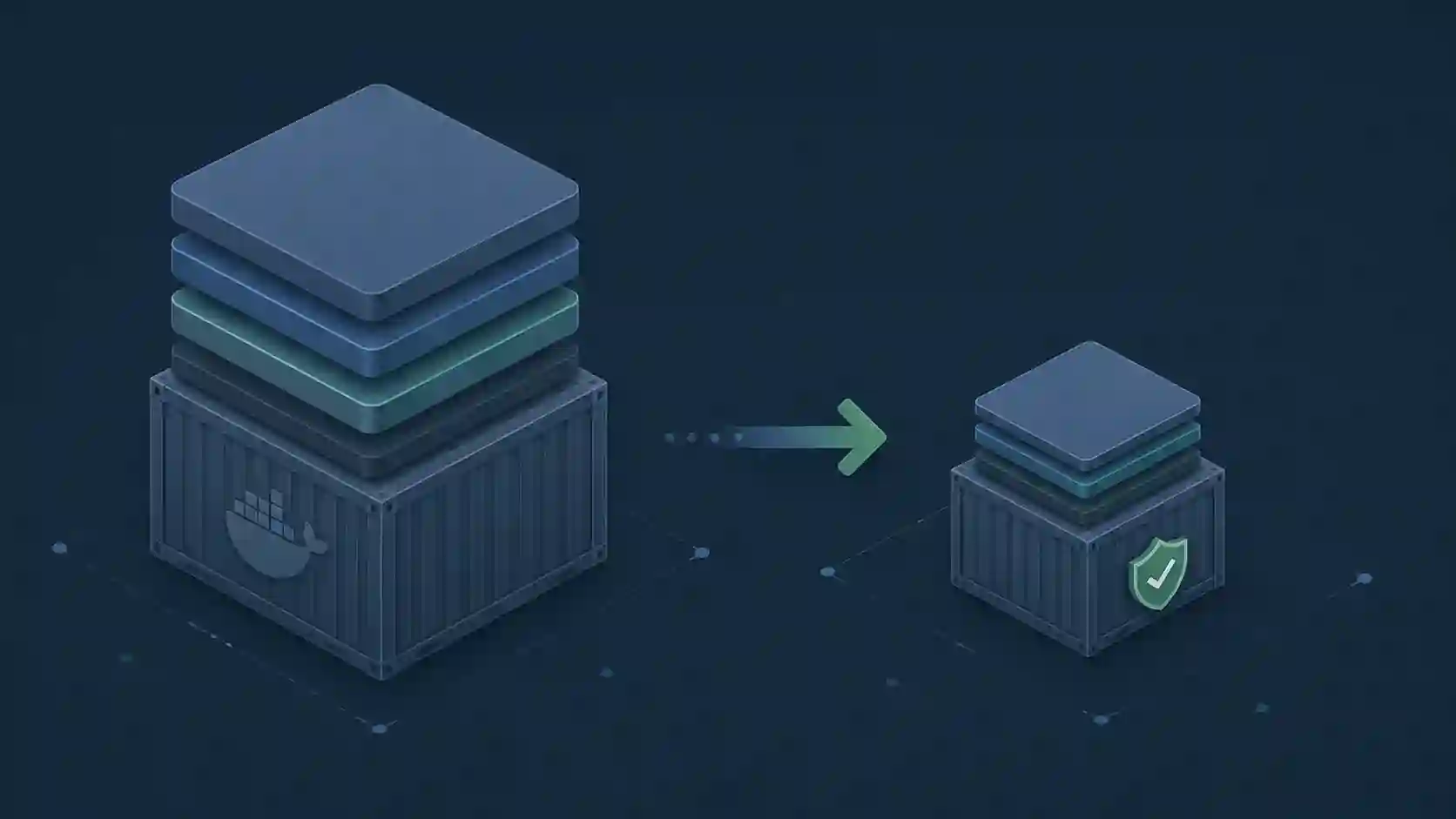
The Dockerfile worked, the build passed, the image shipped. Then someone ran docker history --no-trunc on the published image and there it was, in plain text: the token for the private package registry. It had come in through an ARG NPM_TOKEN and an rm .npmrc that gave a false sense of cleanup. I reproduced the mistake for this post: the token shows up in the layer history and also in docker inspect, because it had been turned into an ENV too. Anyone with read access to the image has the token.
This post is about Dockerfile security in production: which user the process runs as, where secrets pass through, which base to use, and how to keep the image free of known CVEs. Image size has its own post, how to reduce Docker image size; here it only comes up when it helps security. If you're still on your first container, start with Docker for beginners.
Why security starts in the Dockerfile
Every package inside the image is code that can carry a vulnerability, and every privilege the process has is a privilege an attacker inherits by exploiting the application. The Dockerfile decides both before any firewall gets involved. It's the principle of least privilege, the same one from information security basics, applied to the image: only what runs in production goes in, and what goes in runs with as little power as possible.
Every Dockerfile below was built and run with Docker 29.7.2 on 2026-11-09, on an Express API in TypeScript, and scanned with Trivy 0.76.2.
The base image: supported LTS, pinned by digest
The base sets the floor for vulnerabilities. Three rules:
Use a supported version. Node 20 reached end of life on 2026-04-30; a node:20 image no longer gets Node security fixes. According to the official release schedule, 26 has been the active LTS since 2026-10-28 (supported until 2029-04-30) and 24 is in maintenance until 2028-04-30.
Start with the -slim variant. Trimmed Debian, with glibc, compatible with almost every native dependency. Alpine is smaller, but swapping glibc for musl has gotchas that the size post details.
Pin by digest. A tag like node:26-slim moves: it points to a different image with every release. For reproducible, auditable builds, pin the digest:
docker buildx imagetools inspect node:26-slim
# Digest: sha256:5adad64f9a1fca2d51972caa65983634c8a774eb300d72b20f7f2a0f60368072
FROM node:26-slim@sha256:5adad64f9a1fca2d51972caa65983634c8a774eb300d72b20f7f2a0f60368072
That digest is the one from 2026-11-09 and it will change. Pinning doesn't mean freezing: it means updating on purpose, with a PR that swaps the digest (Dependabot and Renovate do this on their own), instead of inheriting changes without noticing.
If you want to go beyond -slim, there are hardened bases: Google's distroless images (gcr.io/distroless/nodejs26-debian13, no shell and no package manager, with a :nonroot tag), the Docker Hardened Images, which Docker made free and open source (Apache 2.0) on 2025-12-17, and Chainguard's images. The price they all share is having no shell to debug with.
Multi-stage: build tools don't go to production
Compilers, TypeScript, devDependencies and source code are for building, not running. With multi-stage, they stay in a stage that gets discarded, and only the output lands in the final image. For security the gain is direct: an attacker who gets in finds no gcc, no make and no src/. The full Dockerfile is in the checklist section; the detailed mechanics of multi-stage are in the size post.
Don't run as root
By default, the container process runs as root (UID 0). If the application has a code-execution flaw, the attacker starts with maximum privilege inside the container, and any host misconfiguration (mounted Docker socket, --privileged, a sensitive volume) becomes an escape route.
The official Node image already has an unprivileged user, node (UID 1000). No need to create another:
COPY --from=build /app/dist ./dist
RUN mkdir -p /app/uploads && chown node:node /app/uploads
USER node
Notice what is not there: a chown -R on the whole folder. The copied files belong to root with read permission for everyone (drwxr-xr-x), and that's good: the node process reads the code and node_modules but can't modify them. I tested it: touch /app/dist/x fails with Permission denied. Only the directory the application actually writes to (here, uploads) belongs to the user.
The common mistake is the opposite, RUN chown -R app:app /app after the COPY instructions. Besides giving the process permission to rewrite its own code, it duplicates the files into a new layer: in my test, that one line created a 32 MB layer, a copy of node_modules. When a copied file really does need to belong to the user, use COPY --chown=node:node, which sets the owner as part of the copy, with no extra layer. For owner, group and permission bits, see chmod, chown and umask; if the writable directory is a volume, the UID trap is in Docker volumes.
At docker run time (or in Compose/Kubernetes) you can lock it down further: --read-only mounts the filesystem read-only (then uploads needs to be a volume and /tmp a --tmpfs), --cap-drop ALL removes kernel capabilities, and --security-opt no-new-privileges blocks escalation through setuid binaries. The test API ran normally with all three.
Secrets never in ARG, ENV or COPY
The Docker documentation is explicit: build args and environment variables are not for secrets, because they persist in the final image. In my test with ARG NPM_TOKEN:
docker history --no-trunc api:bad
# RUN |1 NPM_TOKEN=FAKE-TOKEN-123 /bin/sh -c echo "//npm.acme.example/:_authToken=${NPM_TOKEN}" > .npmrc ...

docker inspect api:bad --format '{{.Config.Env}}'
# [... NPM_TOKEN=FAKE-TOKEN-123]
The rm .npmrc at the end of the RUN does nothing: the value is already recorded in the layer metadata. COPY .npmrc is even worse, because the whole file goes into a layer. The right way is BuildKit's secret mount, which mounts the file only for that RUN and writes it nowhere:
RUN --mount=type=secret,id=npmrc,target=/root/.npmrc \
    npm ci
docker build --secret id=npmrc,src=$HOME/.npmrc -t api:secure .
Without target, the secret shows up at /run/secrets/<id>; with env=NAME, it becomes an environment variable for that command only. I checked the resulting image as root: /root/.npmrc doesn't exist and the token isn't in the history. Add a .dockerignore that excludes .env, .npmrc and .git, so no COPY . . carries a secret along. Runtime secrets (database password, API key) don't belong in the image either: they come in through environment variables or the orchestrator's secrets when the container starts.
Scan the image and update the base
An image that's clean today accumulates CVEs tomorrow. Scan in the pipeline, with Trivy running in Docker itself:
docker run --rm -v /var/run/docker.sock:/var/run/docker.sock \
  aquasec/trivy image --severity HIGH,CRITICAL --ignore-unfixed --exit-code 1 api:secure
--exit-code 1 fails the build when there's a finding; --ignore-unfixed filters out what has no published fix yet, so the alarm is actionable. The numbers from 2026-11-09 show why the base matters:
| Image | HIGH/CRITICAL | With a fix available |
|---|---|---|
node:26 (full) |
286 | 10 |
api:secure (node:26-slim) |
54 | 8 |
api:distroless (nodejs26-debian13:nonroot) |
0 | 0 |
Of the 8 fixable findings in the slim image, 2 were Debian's zlib and 6 were undici and brace-expansion bundled inside npm itself, which the runtime image doesn't even use. That's the most concrete argument for distroless I know: it doesn't ship npm. Docker Scout plays the same role (docker scout cves), but requires a Docker Hub login.
The other half is periodic rebuilds. A CVE fix in the base only reaches your image when you rebuild: a weekly docker build --pull in CI, or Renovate's automatic digest PR, takes care of it.
Secure Dockerfile checklist
The Dockerfile I built, ran and scanned:
# syntax=docker/dockerfile:1
FROM node:26-slim AS build
WORKDIR /app
COPY package*.json ./
RUN --mount=type=secret,id=npmrc,target=/root/.npmrc \
    npm ci
COPY . .
RUN npm run build

FROM node:26-slim AS runtime
ENV NODE_ENV=production
WORKDIR /app
COPY package*.json ./
RUN --mount=type=secret,id=npmrc,target=/root/.npmrc \
    npm ci --omit=dev && npm cache clean --force
COPY --from=build /app/dist ./dist
RUN mkdir -p /app/uploads && chown node:node /app/uploads
USER node
EXPOSE 3000
HEALTHCHECK --interval=30s --timeout=3s --retries=3 \
  CMD ["node", "-e", "fetch('http://localhost:3000/health').then(r => process.exit(r.ok ? 0 : 1)).catch(() => process.exit(1))"]
CMD ["node", "dist/server.js"]
The HEALTHCHECK uses Node's own fetch because the slim image has no curl; after 30 seconds docker ps showed (healthy). In production, swap both FROM lines for the digest-pinned version. The checklist:
- Base on a supported LTS version,
-slimor hardened variant. - Base pinned by digest, updated through automated PRs.
- Multi-stage: build tools and source code out of the final image.
- Non-root
USER(nodealready exists in the official image). - Code owned by root and read-only;
COPY --chownonly for what the app writes; nochown -R. - Build secrets only through
RUN --mount=type=secret; neverARG,ENVorCOPY. .dockerignorewith.env,.npmrc,.git.- Trivy or Docker Scout scan in CI, failing the build on fixable HIGH/CRITICAL.
- Periodic rebuild with
--pull. - At runtime:
--read-only,--cap-drop ALL,no-new-privilegeswhere the app can handle it.
Frequently asked questions
How do I pass secrets to a Docker build?
With BuildKit's secret mount: RUN --mount=type=secret,id=npmrc,target=/root/.npmrc npm ci in the Dockerfile and docker build --secret id=npmrc,src=$HOME/.npmrc . on the command line. The file exists only during that RUN and stays in no layer. ARG and ENV get recorded in the image history and metadata, even if you delete the file afterwards.
Why shouldn't I run the container as root?
Because any exploitable flaw in the application hands the attacker maximum privilege inside the container, which makes it easier to tamper with the running code and to exploit host misconfigurations. With USER node and code files owned by root, the process can't even rewrite its own application.
Distroless or slim?
Slim to start: it has a shell, so you can debug with docker exec. Distroless once the image is stable and you want to zero out the surface: in my test, it went from 54 HIGH findings to none. For debugging distroless there's the :debug tag, with a busybox shell, which you use only outside production.
Doesn't pinning by digest stop me from getting security fixes?
It stops you from getting them without knowing, which is the point. A moving tag doesn't update an already-built image either; it only changes what the next build pulls, with no record. With a digest, every update is a PR with a visible diff, and the pipeline scan tells you whether it fixed any CVE.
A secure image runs with the minimum
Dockerfile security comes down to taking things out: root out of the process, secrets out of the layers, build tools out of the final image, unsupported bases out of FROM. What's left has to be watched, with scans in CI and periodic rebuilds, because tomorrow's CVE shows up in an image that's clean today. Start with USER node and the secret mount, which cost two lines, and put Trivy in the pipeline before you think about distroless.
The editorial content ends here. When I need to decide the mode of a writable directory in a container (750? 770?) and check what each bit grants to owner, group and others, I use the Quick Tools chmod calculator.
- 01 CPU Cores vs. Threads: What Actually Changes in Practice Understand the difference between CPU cores and threads and what actually changes for performance, multitasking, gaming, and development.
- 02 MIT, Apache, and GPL Licenses: Practical Differences for Developers MIT, Apache 2.0, and GPL are not the same thing. Understand permissive vs copyleft, patent protection, and compatibility before shipping code to production.