Git merge vs rebase: the difference, when to use each, and examples
Merge preserves history with a joining commit; rebase rewrites your commits into a straight line. See the difference, the golden rule, and when to use each.
The PR got merged, you're trying to understand what happened three weeks ago, and git log looks like a subway map at rush hour: branches crossing everywhere, merge commits that say "Merge branch 'feature/x' into main" and tell you absolutely nothing. If that's your situation, the team probably never discussed the difference between git merge and git rebase before starting.
This post assumes you already commit, branch, and push. If you're still on the fundamentals, Git for beginners covers the basics first. Every command and graph below was run in a throwaway repository with Git 2.55 and copied from git log --graph.
The difference between git merge and git rebase, in two sentences
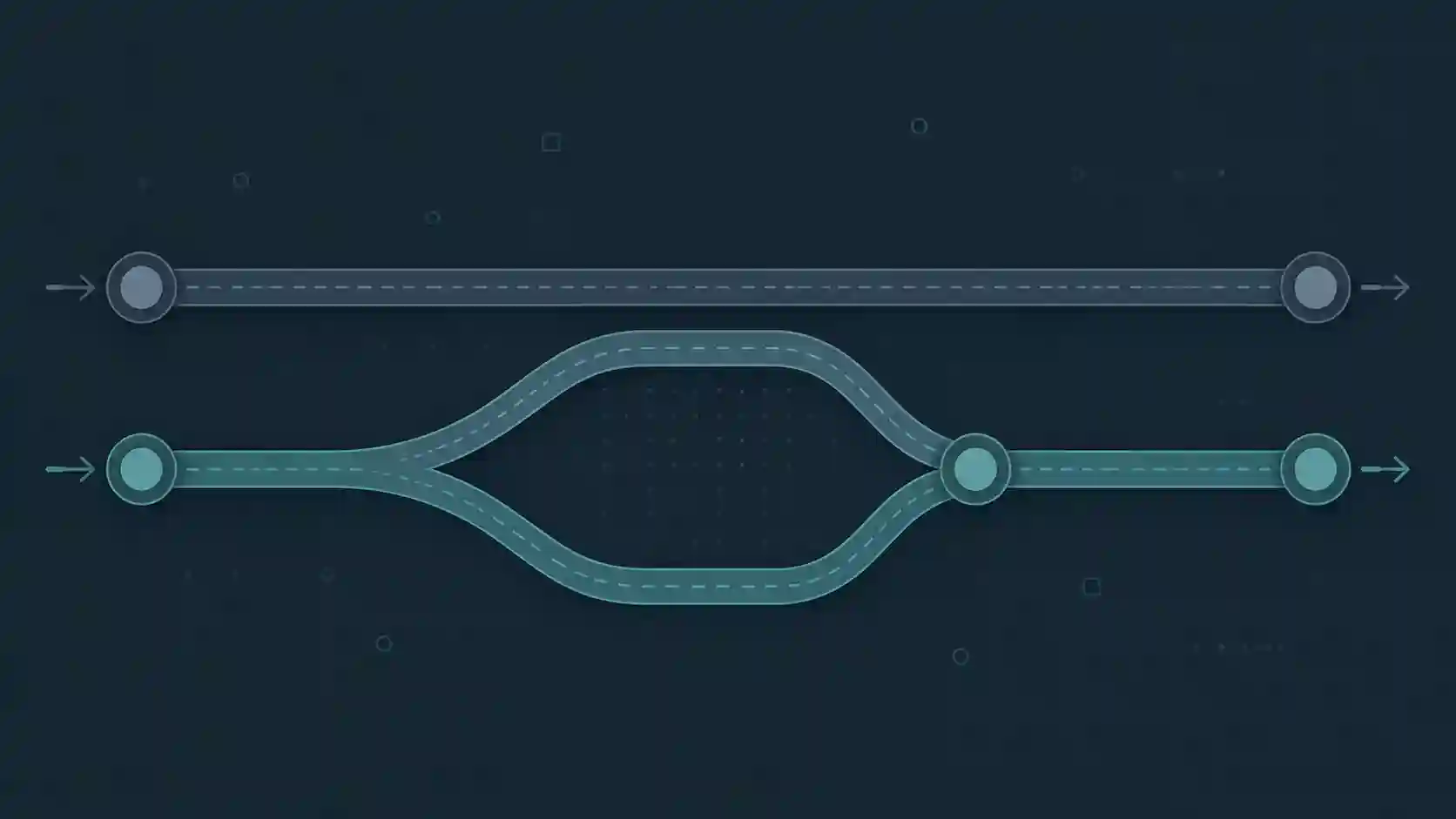
git merge joins two lines of work by creating a merge commit with two parents, and the history keeps the fact that they ran in parallel. git rebase takes the commits on your branch and replays them, one by one, on top of another base: they become new commits with new SHAs, and the history becomes a straight line.
git merge |
git rebase |
|
|---|---|---|
| What it does to history | Preserves it; the graph shows the parallel work | Rewrites it; the graph becomes linear |
| Your commits' SHAs | Unchanged | Changed (they are new commits) |
| Extra commit | Yes, the merge commit (except on fast-forward) | No |
| Safe on a shared branch | Yes | No, if other people already have those commits |
| Conflicts | Resolved once, in the merge | Can show up for each replayed commit |
| When to use | Integrating work into the team branch | Updating or cleaning your local branch before the PR |
The rest of the post explains each row of that table.
What each command does to the history
The setup: main has commits A and B. You create feature/auth from B and commit D and E. Meanwhile, someone commits C on main.
* E            (feature/auth)
* D
| * C          (main)
|/
* B
* A
git merge: preserves what happened
git switch main
git merge feature/auth
*   M  Merge branch 'feature/auth'   (main)
|\
| * E                                (feature/auth)
| * D
* | C
|/
* B
* A
M is the merge commit, and git log -1 --format=%p confirms it has two parents, C and E. The graph tells the truth: D and E were made in parallel with C. The upside is fidelity. The downside shows up with dozens of short-lived branches: git log turns into a braid of merge commits interleaved with the commits that matter.
git rebase: replays your commits onto another base
Back to the starting setup, now on the feature branch:
git switch feature/auth
git rebase main
* E'  (HEAD -> feature/auth)
* D'
* C   (main)
* B
* A
Notice where main stayed: at C. Rebase only moves the branch you're on. D' and E' have the same content as D and E, but they are new commits with different SHAs, because their parent changed. The originals didn't vanish: they're still in the branch's reflog (git reflog show feature/auth lists the old E).
For main to move, you need the next step, which is now a fast-forward with no merge commit:
git switch main
git merge --ff-only feature/auth
* E'  (HEAD -> main, feature/auth)
* D'
* C
* B
* A
--ff-only is a useful safety catch: if main has moved again for some reason, the command fails instead of quietly creating a merge commit. On platforms like GitHub this step is the PR button, not a local command.
The golden rule of rebase
Don't rebase commits that other people already have.
Git's own documentation opens its "Recovering from upstream rebase" section by saying that rewriting a branch others have based work on is a bad idea, because everyone downstream is forced to fix their history by hand. The mechanism is simple: after the rebase, D and E were replaced by D' and E'. If you force-push and a colleague still has D and E locally, their next pull tries to combine two histories that tell the same story with different commits. Result: duplicate commits, nonsensical conflicts, and a lost afternoon.
# The disaster scenario
git switch feature/shared
git rebase main                         # rewrites SHAs the team already has
git push --force origin feature/shared  # overwrites the remote
A common confusion is thinking "rebasing onto main" is forbidden. It isn't. Running git rebase main on your branch rewrites only your commits and uses main as the base; main is untouched. The danger is the opposite direction: being on main (or any branch the team uses) and rebasing it onto something else, because then you rewrite commits everyone has already pulled.
In practice:
main,develop,staging, and any branch more people commit to: merge, never rebase.- your feature branch that only you use: rebase freely.
When to use merge and when to use rebase
Use merge when you're integrating someone else's work into the team branch, when the branch had commits from more than one dev, or when the team wants faithful history that records when each feature landed.
Use rebase to update your branch with main before opening or updating the PR, to clean up work-in-progress commits ("fix", "fix2", "this time for real") before asking for review, and to keep a branch only you work on linear.
The flow I use day to day:
# On the feature branch, main has moved
git fetch origin
git rebase origin/main

# Integration: through the PR, with a merge commit or squash, per team policy
Which policy to adopt (merge commit, squash, rebase and merge) depends on how the team organizes branches. The common strategies, from Git Flow to trunk-based, are in Git branching strategies.
A conflict in the middle of a rebase: continue, skip, and abort
A merge presents all the conflicts at once, in the joining commit. A rebase replays commit by commit, so a conflict can show up on the first one, stop, and come back on the third. When it stops, Git spells out the three ways out:
CONFLICT (content): Merge conflict in app.txt
error: could not apply 865206a... D: change app
hint: Resolve all conflicts manually, mark them as resolved with
hint: "git add/rm <conflicted_files>", then run "git rebase --continue".
hint: You can instead skip this commit: run "git rebase --skip".
hint: To abort and get back to the state before "git rebase", run "git rebase --abort".
git rebase --continue: after editing the files and runninggit add, moves on to the next commit.git rebase --skip: drops the current commit entirely and moves on. Use it only when that commit really shouldn't exist on the new base (for example, the same fix already landed onmain).git rebase --abort: gives up and puts the branch back exactly where it was before the rebase.
The merge-side equivalent is git merge --abort, which undoes a merge stopped on a conflict. How to read the <<<<<<< markers and decide what stays is in how to resolve merge conflicts in Git.
Interactive rebase: editing what hasn't been published yet
git rebase -i opens the list of commits in an editor and lets you reorder, combine, rename, or delete commits before publishing.
git rebase -i HEAD~4
The list runs from oldest to newest. The commands I use most:
pick: keeps the commit.reword: keeps the content and stops so you can rewrite the message.squash: folds into the previous commit and combines the messages.fixup: folds into the previous commit and discards this commit's message.drop: removes the commit (deleting the line does the same).
pick   a1b2c3 feat: add CPF validation
fixup  d4e5f6 fix regex
fixup  7a8b9c this time for real
reword 0d1e2f feat: registration endpoint
Result: two commits, with no "this time for real" in the project history. This is rebasing local commits, exactly the case where it's safe. reword is the moment to turn the message into something useful; what to write is in commit messages.
Pushing after a rebase: --force-with-lease and --force-if-includes
After rebasing a branch that was already on the remote, a normal push is rejected because the local and remote histories have diverged. The reflex is git push --force, which overwrites the remote without asking. The better option:
git push --force-with-lease origin feature/my-branch
--force-with-lease only overwrites if the remote is still where your last fetch saw it. I tested it: a colleague pushed a commit, I tried the forced push without fetching, and Git refused with ! [rejected] feature -> feature (stale info).
There's a hole, though, and the git push documentation admits it: if something runs git fetch for you (an IDE fetching in the background, a cron job), the remote-tracking ref gets updated without you ever looking at your colleague's commit, and the lease passes. In the same test, after a git fetch, --force-with-lease wiped out the colleague's commit without complaint. The fix, available since Git 2.30, is to add --force-if-includes, which only allows the force if the remote tip appears in your branch's reflog, meaning you actually integrated it:
git push --force-with-lease --force-if-includes origin feature/my-branch

# or, once and for all:
git config --global push.useForceIfIncludes true
With both options, the same push that went through before was rejected.
Frequently asked questions
Which is better, merge or rebase?
Neither, in absolute terms. Most teams use both: rebase to keep a feature branch updated and clean while it's only yours, merge (or squash) to integrate into main. What doesn't work is everyone doing it differently; decide the policy and write it down in the README or CONTRIBUTING.
git pull --rebase: when should I use it?
git pull is git fetch followed by an integration. If both you and the remote have new commits on the same branch, git pull --rebase replays your local commits on top of the remote ones instead of creating a "Merge branch 'main' of github.com:..." commit. For commits you haven't pushed yet, it's almost always what you want. To make it the default: git config --global pull.rebase true. With no configuration at all, current Git refuses to pull divergent branches with "Need to specify how to reconcile divergent branches" and asks you to pick --rebase, --no-rebase, or --ff-only.
What is a squash merge, and what is GitHub's default?
GitHub offers three methods on a PR: merge commit (the default), squash and merge, and rebase and merge. Squash compresses all of the PR's commits into one on the target branch: you commit freely during development and main gets one commit per PR, at the cost of losing each individual commit's authorship and timestamp. Rebase and merge replays each commit without a merge commit and, according to GitHub's documentation, always produces new SHAs, even where a local rebase wouldn't.
Does git rebase delete commits? Can I undo it?
Not right away. It creates new commits, and the old ones end up with no branch pointing at them, but they stay in the reflog: git reflog shows the SHA from before the rebase, and git reset --hard <sha> puts the branch back there. By default, unreachable entries stay in the reflog for 30 days before cleanup (gc.reflogExpireUnreachable). The recovery walkthrough is in how to undo changes in Git.
Rebase for your branch, merge for the team's
The rule that fits on one line: rebase rewrites, so only use it on commits only you have; merge preserves, so it's the path for anything shared. Update the feature with git rebase origin/main, clean it up with rebase -i before review, push with --force-with-lease --force-if-includes, and leave integration to the PR. History is the document the next dev reads to understand why the code is the way it is; team policy decides the format of that document, and consistency matters more than the choice itself.
The editorial content ends here. When I want to compare two versions of a file outside Git, like a config snippet before and after a rebase or an API response copied from two environments, I paste both into the Quick Tools Text Diff Checker and see the differences side by side, no terminal needed.
- 01 CPU Cores vs. Threads: What Actually Changes in Practice Understand the difference between CPU cores and threads and what actually changes for performance, multitasking, gaming, and development.
- 02 MIT, Apache, and GPL Licenses: Practical Differences for Developers MIT, Apache 2.0, and GPL are not the same thing. Understand permissive vs copyleft, patent protection, and compatibility before shipping code to production.