How to Contribute to Open Source on GitHub for the First Time
From good first issue to your first accepted pull request: picking a project, forking, branching, syncing upstream, and handling review on GitHub.
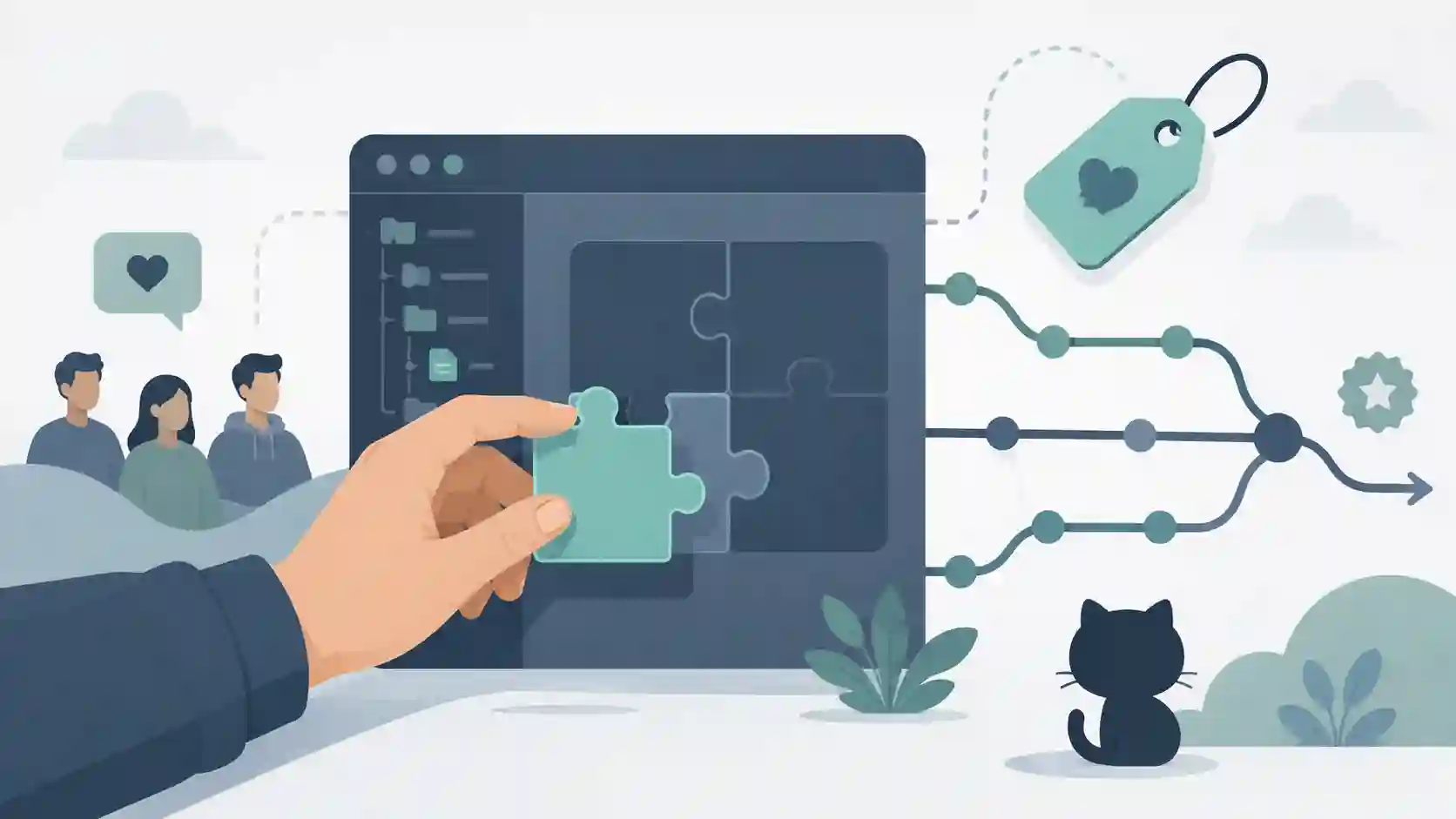
You open the issues tab of a project you admire, read three lines of a discussion about internal architecture, and close the tab. "Once I know more, I'll contribute." That day doesn't arrive on its own: the feeling of not being ready goes away with your first accepted contribution, not with more studying.
The short answer to how to contribute to open source for the first time: pick a project you already use, grab an issue labeled good first issue, fork the repository on GitHub, work on a branch, keep the fork in sync with the original, and open a small pull request that says what changed and how you tested it. The rest of this guide is each of those steps without the romance, with the commands I ran to check them.
Before any code: pick the right project
The number one beginner mistake is aiming too high. You want to contribute to React, Kubernetes, or Linux because those are the names you know, and that's exactly why they're the worst places to start: heavy processes, thousands of open issues, and maintainers with no time to guide anyone.
Practical criteria for a good first project:
- You already use it. Contributing to a tool from your daily work means you understand the problem without studying the domain from scratch.
- It's active but not massive. Check the date of the last commit and the last accepted PRs. PRs answered within the past two weeks are a green light.
- It has a
CONTRIBUTING.md. That file in the root means someone thought about the path for outsiders. Read it first: it tells you how to run the tests, the commit convention, and whether the project requires signing a CLA. - It has a clear license. Your contribution will ship under the project's license; if that's still fuzzy, how to choose a license explains what each one implies.
If the concept of open source is still blurry (why companies pay people to maintain code they give away, how the license changes what you're allowed to do), read what open source software is first. Here the focus is hands-on. And if clone, commit, and push aren't automatic yet, go through Git for beginners first.
Where to find your first issue
The good first issue label is the convention for tasks the maintainer considers solvable by an outsider, without deep project context. help wanted is the next step: the team wants help, but the task isn't necessarily simple.
You don't have to hunt repo by repo:
- The repository's
/contributepage. On any GitHub project,github.com/{org}/{repo}/contributelists that repo's open good first issues. If the project you use has that page filled in, start there. - Aggregators. goodfirstissue.dev and Up For Grabs list beginner issues filterable by language; CodeTriage emails you one issue a day from the projects you subscribe to.
- GitHub search:
label:"good first issue" language:python state:open is:issue no:assignee.
Want to practice the flow before touching a real project? The firstcontributions/first-contributions repository exists exactly for that: you fork it, add your name to the Contributors.md file, and open a PR that the maintainers merge. It isn't a meaningful contribution, but it takes the fear out of the mechanics.
A tip that saves frustration: before picking an issue, check whether someone already said they're working on it or whether there's a linked PR. Comment on the issue saying you'd like to take it, and wait for the maintainer's go-ahead when the CONTRIBUTING.md asks for that.
The technical flow: fork, branch, sync, and PR
GitHub's standard model is fork → branch → pull request. You don't have write access to the original repository, so you work on your own copy (the fork) and ask for your changes to be pulled back in (the PR).
# 1. Fork with GitHub's "Fork" button, then clone YOUR fork
git clone https://github.com/YOUR-USERNAME/project.git
cd project

# 2. Register the original repository as "upstream"
git remote add upstream https://github.com/ORIGINAL-ORG/project.git
git remote -v   # origin = your fork, upstream = the original

# 3. Create a descriptive branch; never work on main
git switch -c fix/broken-readme-link

# 4. Make the change and a clear commit
git add README.md
git commit -m "docs: fix broken link in installation section"
If you use the GitHub CLI, gh repo fork ORIGINAL-ORG/project --clone forks, clones, and registers the original as upstream in one command.
The step almost every tutorial forgets: sync with the original before pushing. While you were working, the project moved on. If your branch starts from a stale main, the PR can arrive with conflicts or tested against code that no longer exists.
# 5. Fetch what changed upstream and replay your commits on top
git fetch upstream
git rebase upstream/main

# 6. Push the branch to YOUR fork
git push origin fix/broken-readme-link
After the push, GitHub shows a "Compare & pull request" banner; click it to open the PR against the original repository. To keep your fork's main current, git switch main && git merge --ff-only upstream/main && git push origin main does it (or the "Sync fork" button on the fork's page).
I ran this whole flow in a test setup with a local "original" and "fork", including the original receiving new commits midway. One detail came up: if you already pushed the branch and then rebase again (say, to pick up changes requested in review), a plain git push is rejected, because history was rewritten. In that case use git push --force-with-lease origin <branch>, which only overwrites if nobody else touched the remote branch. On your PR branch, in your fork, that's normal; on someone's main, never. If rebase still sounds risky, git merge vs rebase explains the difference with examples, and branching strategies helps with the branch naming conventions projects use.
Before opening the PR, run the tests and the linter. Nearly every project has a command like npm test, pytest, or make lint, described in the CONTRIBUTING.md. If CI fails your PR over formatting you could have caught locally, you've only added noise to the maintainer's queue.
How to write a pull request that gets accepted
Code is half the work. The other half is making the maintainer understand, in thirty seconds, what changed and why:
- A title in the project's style. Many use Conventional Commits (
fix:,docs:,feat:). Look at past PRs and mirror them. - A description that links to the issue.
Closes #123in the description closes the issue automatically when the PR is merged. Explain what changed and how you tested it. - A small scope. One PR solves one thing. Refactoring three neighboring files "while you're at it" turns a five-minute review into an hour-long one.
Before clicking "Create pull request", reread the whole diff in the "Files changed" tab. That's where the forgotten debug line, the editor config file that slipped in, and the whitespace change that pollutes the review show up.
## What changes
Fixes the link in the "Installation" section of the README, which
pointed to a 404 page after the docs migration.

## How I tested
Opened the README preview on GitHub and confirmed the link
now opens the correct page.

Closes #482
When the review comes, and it comes with change requests, treat it as a normal part of the process, not as rejection. Respond to comments, apply fixes as new commits on the same branch (the PR updates itself), and stay brief and polite. Most maintainers do this in their spare time.
Contribution isn't only code
If touching someone else's code still feels intimidating, start where the barrier is near zero and the value is real:
- Documentation. A README with outdated instructions, an example that no longer runs, a confusing section. You just lived through not understanding it; fix it for the next person. How to document projects on GitHub shows what a good README needs.
- Translation. Many projects want docs in other languages and have no one to write them.
- Reproducing bugs. Taking a vague issue, reproducing the problem, and adding exact steps is a contribution maintainers love.
- Tests. A missing test case covers a real gap and teaches you the codebase along the way.
These contributions count the same in your GitHub history and often open the door to code issues in the same project. Contributing also changes how you choose dependencies: once you've seen from the inside how many packages rely on one or two people, evaluating a dependency before installing it stops feeling like paranoia.
Frequently asked questions
How do I start contributing to open source as a beginner?
Pick a project you already use, look for issues labeled good first issue (the repo's /contribute page lists them), read the CONTRIBUTING.md, and start with documentation or a simple bug. If you want to practice first, the first-contributions repository simulates the full flow with no risk.
Do I need to be good at programming to contribute?
Not for your first contribution. Documentation, translation, bug reproduction, and typo fixes are legitimate contributions that don't require complex code. They build familiarity with the project and open the way to technical tasks later.
How do I keep my fork up to date with the original repository?
Register the original as upstream (git remote add upstream <url>), run git fetch upstream, and git rebase upstream/main on your working branch. For the fork's main, git merge --ff-only upstream/main followed by git push origin main, or the "Sync fork" button on GitHub.
What if my pull request gets rejected?
Outright rejection is rare; the common case is the maintainer requesting changes. Apply the fixes, respond to comments, and update the branch. If the PR is closed anyway, ask why politely: it's almost always scope or someone else already handling the same thing.
The first accepted PR changes your relationship with code
The difference between someone who spends years saying "someday I'll contribute" and someone with ten accepted PRs isn't talent, it's having done the first one. Pick a project you use, grab a good first issue, sync the fork before pushing, open a small, well-described PR, and absorb the review without taking it personally. When reviewing your own diff on a long text or a config file, pasting the old and new versions into the text comparison tool highlights word by word what changed, and catches the comma or space you didn't mean to send.
- 01 CPU Cores vs. Threads: What Actually Changes in Practice Understand the difference between CPU cores and threads and what actually changes for performance, multitasking, gaming, and development.
- 02 MIT, Apache, and GPL Licenses: Practical Differences for Developers MIT, Apache 2.0, and GPL are not the same thing. Understand permissive vs copyleft, patent protection, and compatibility before shipping code to production.