What Is an API and How It Connects Systems
An API is the contract that lets two systems exchange data without knowing each other's internals. Learn request, response, endpoints, and JSON with real examples.
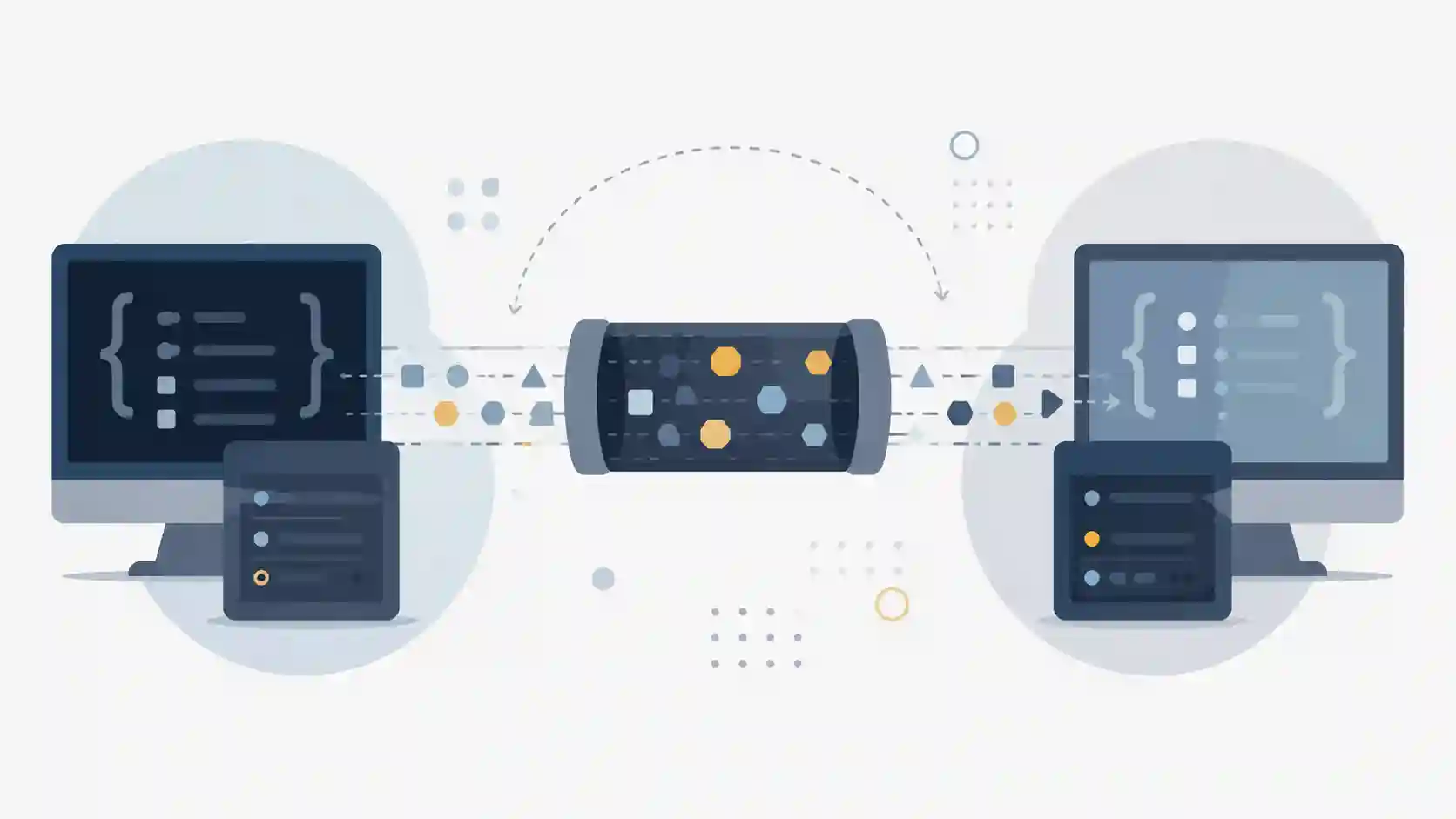
An API (Application Programming Interface) is the contract that defines how one program asks another for something and what it gets back, without needing to know how the other side works internally. It is the answer to the question every product team eventually asks me: "can't our system just grab that data from their system?" It can, if their system exposes an API and ours knows how to talk to it.
This post covers the basics: what an API is, what it is used for, how a real call works (with a real request and response, not invented ones), and the types you will run into. If you are past that stage and designing your own API, the next step is the guide to REST API best practices.
What an API actually is
The word that matters in the definition is contract. An API says: "send me a request in this format and I will send back a response in this format." What happens in between (which database, which language, how many servers) is the provider's problem. The consumer only has to respect the agreed format.
The most common analogy is the waiter: you don't walk into the kitchen, you order from the menu and the waiter brings the dish. It works up to a point. What the analogy hides is that the menu is rigid: order something that isn't on it, or order it the wrong way, and you get an error, not an improvisation from the cook. That rigidity is exactly what makes an API useful. Two systems written by different companies in different languages can work together because both trust the same contract.
One thing almost every intro article skips: APIs are not only a web thing. The term is much older than HTTP APIs.
- The operating system exposes an API: when a program opens a file, it calls functions like
open()(POSIX) orCreateFile(Windows) without knowing how the disk is laid out. - The browser exposes dozens of Web APIs:
fetchfor requests, Geolocation for location,localStoragefor storing data. - Every library has an API: the public functions and classes it documents and promises to keep.
In day-to-day software work, though, "API" almost always means a web API: a service that receives HTTP requests over the network and responds with data, usually JSON. That is what the rest of this post is about.
What APIs are used for: everyday examples
You use APIs constantly without noticing. A few concrete cases:
- Filling in an address from a postal code. You type the code at checkout and the street appears. The store doesn't maintain the country's address database; it queries a postal code API, like the Brazilian one we will call below.
- "Sign in with Google". The site never receives your Google password. It redirects you to Google, which authenticates you and sends the site an identity confirmation through a standardized API (OpenID Connect, which runs on top of OAuth 2.0; details in the FAQ).
- Payments. An online store doesn't talk directly to the card network; it calls a payment gateway's API, which answers "approved", "declined" or "pending".
- The map on a contact page. The embedded map comes from a maps API that serves the tiles and coordinates.
- Food delivery apps. The app on your phone is just the interface. Menu, prices, order status and the courier's position arrive through the company's backend API, the same backend that powers the website and the restaurant's app.
The pattern is always the same: someone specialized solves a hard problem once and sells (or offers) access through an API, and everyone else integrates instead of rebuilding.
How an API works: request and response
Every conversation with a web API is a request and response cycle carried over HTTP, the same protocol your browser uses to load pages. If you want the full path, from DNS to the response, it is in how the internet works.
A request has four parts:
- Method: what you want to do (
GETto read,POSTto create,PUT/PATCHto change,DELETEto remove). - URL: the resource address, including parameters.
- Headers: metadata, such as the accepted format and the access credential.
- Body (optional): the data being sent, common in
POSTandPATCH.
The response returns a status code (the outcome, as a number), headers and a body with the data.
Let's make a real call. ViaCEP is a free, public Brazilian postal code (CEP) API that requires no sign-up and no key, so you can try it in your terminal right now:
curl -i https://viacep.com.br/ws/01001000/json/
The response, fetched on November 9, 2026 (headers trimmed):
HTTP/1.1 200 OK
Content-Type: application/json; charset=utf-8
Cache-Control: max-age=3600
Access-Control-Allow-Origin: *

{
  "cep": "01001-000",
  "logradouro": "Praça da Sé",
  "complemento": "lado ímpar",
  "unidade": "",
  "bairro": "Sé",
  "localidade": "São Paulo",
  "uf": "SP",
  "estado": "São Paulo",
  "regiao": "Sudeste",
  "ibge": "3550308",
  "gia": "1004",
  "ddd": "11",
  "siafi": "7107"
}
Everything that matters is there. 200 OK says it worked. Content-Type announces a JSON body. Cache-Control says the response can be reused for an hour. Access-Control-Allow-Origin: * lets any website call this API straight from the browser (that is the CORS rule). And the body carries the data the checkout uses to fill in the form: street (logradouro), neighborhood (bairro), city (localidade) and state (uf).
Try an API that requires a credential and the contract changes. OpenWeather's weather API, for example, only responds when you pass a key in the appid parameter; without it, the same kind of call returns 401 with {"cod":401, "message": "Invalid API key..."}. Reading the docs before calling is not a formality.
What an endpoint is
An endpoint is a specific address in the API that exposes one piece of functionality. In the example above, the endpoint is https://viacep.com.br/ws/{cep}/json/: swap the {cep} and you get the matching address.
In an online store API, product endpoints usually follow this design:
GET    /products       list products
GET    /products/42    return product 42
POST   /products       create a product
PATCH  /products/42    change part of product 42
DELETE /products/42    remove product 42
Notice that the /products path repeats across lines; what changes the action is the HTTP method. That is the heart of the REST style: the URL identifies the resource, the method says what to do with it. How to design this well (plurals, nesting, PUT vs PATCH, pagination) is the subject of the REST API best practices post, and I won't repeat it here.
JSON: the response format
The ViaCEP response came back as JSON (JavaScript Object Notation): key-value pairs with strings, numbers, booleans, arrays and nested objects. Despite the name, every language reads and writes JSON, and it became the default format for web APIs because it is plain text and easy to parse. The post what is JSON covers the syntax and the common mistakes.
Before JSON, the standard was XML, which still shows up in integrations with government and banking systems, mostly via SOAP. The comparison is in JSON vs XML.
On the code side, consuming the API takes a few lines. In JavaScript, with fetch:
async function lookupCep(cep) {
  const res = await fetch(`https://viacep.com.br/ws/${cep}/json/`);
  if (!res.ok) throw new Error(`Malformed postal code (HTTP ${res.status})`);
  const data = await res.json();
  if (data.erro) throw new Error('Postal code not found');
  return `${data.logradouro}, ${data.bairro} - ${data.localidade}/${data.uf}`;
}
I ran this function with three inputs: 01001000 returns "Praça da Sé, Sé - São Paulo/SP"; 00000000 lands in "Postal code not found"; 123 lands in "Malformed postal code (HTTP 400)". Why two different error checks? That is the next section.
Status codes: how an API tells you something went wrong
The status code is the first place to look when a call fails. Codes come in ranges, defined in RFC 9110:
- 2xx, success:
200 OK,201 Created,204 No Content. - 3xx, redirection: the resource lives at another address.
- 4xx, client error: the problem is in your request.
400 Bad Request(malformed request),401 Unauthorized(credential missing, invalid or expired, the most common case in practice),403 Forbidden(valid credential, but no permission),404 Not Found(resource doesn't exist),429 Too Many Requests(rate limit exceeded). - 5xx, server error: the problem is on the API's side.
500 Internal Server Error,503 Service Unavailable.
The rule of thumb: on a 4xx you fix the request; on a 5xx you wait, retry carefully or contact support.
Now the detail that explains the code above. For a postal code with a valid format that doesn't exist, ViaCEP does not return 404: it responds 200 OK with the body {"erro": "true"}, behavior described in its own documentation. A malformed code such as 123 gets a 400. BrasilAPI, another public postal code API, responds 404 for a code that isn't found and 400 for a malformed one. Both are correct according to their own contracts; what you can't do is treat one like the other. If you only check res.ok against ViaCEP, you show the user an empty address. That is why, when integrating a new API, you read how it signals errors before writing the first line.
Types of APIs
There are two useful ways to classify APIs: by who can access them and by communication style.
By access:
- Public (open): any developer can use it, sometimes only after sign-up and a key. ViaCEP and BrasilAPI need no key; Stripe and OpenWeather require one.
- Private (internal): used only inside the company, like a frontend talking to its own backend or one microservice calling another.
- Partner: open only to companies with a business agreement, with their own credentials and limits.
By style:
- REST: resources in URLs, actions in HTTP methods, usually JSON. The default for most web APIs.
- GraphQL: a single endpoint, and the client describes exactly which fields it wants back. The comparison is in GraphQL vs REST.
- gRPC: contracts in Protocol Buffers, over HTTP/2, binary and efficient; common between microservices.
- SOAP: XML messages with a contract described in WSDL; still alive in banks, insurers and government.
- Webhooks: the flow reversed. Instead of you asking "has it changed yet?", the other side calls your URL when something happens. Details in what are webhooks.
Frequently asked questions
How does API authentication work?
The API needs to know who is calling to enforce permissions and billing. The most common models are an API key (a secret key sent in a header or the query string), a Bearer token (a token, often a JWT, in the Authorization header; the format is covered in how JWT works) and OAuth 2.0, which is delegated authorization: you let an app access a resource of yours on another service without handing over your password. "Sign in with Google" uses OpenID Connect, an identity layer on top of OAuth 2.0 that Google's implementation conforms to. The full flow is in OAuth 2.0 explained.
What is the difference between an API and an endpoint?
The API is the whole set: every address, format, authentication rule and error rule. An endpoint is one specific point in that API, like GET /ws/{cep}/json/ on ViaCEP. An API has many endpoints; a single endpoint is not the API.
What is rate limiting?
It is the cap on how many calls a client can make in a time window. Go over it and you get 429 Too Many Requests (defined in RFC 6585), often with a Retry-After header saying how long to wait. It protects the infrastructure from abuse and shares capacity among all clients. Read an API's limits before integrating, especially if you will call it in bulk.
Do I need to know how to code to use an API?
To try one, not much: the curl above, or a tool like Postman or Insomnia, already shows you the response. To integrate one into a real system, yes, because you will need to handle errors, timeouts, retries and credentials in code. The good news is that the conceptual part is this post; the rest is each API's documentation.
An API is a contract: read it before you call
An API is how one system offers functionality to another without exposing its internals: a request in an agreed format, a response in an agreed format. If you are just starting out, three habits solve most problems: read the endpoint's docs before calling it, look at the status code and the body when something fails, and find out how that particular API signals errors, because, as ViaCEP and BrasilAPI show, two APIs that do the same job can answer in different ways. When it is time to build your own, the contract is the part that deserves the most care.
The editorial content ends here. When an integration returns a code I don't remember offhand, I check the HTTP status codes reference on Quick Tools; and to read a long JSON response without suffering, I paste it into the JSON formatter.
- 01 CPU Cores vs. Threads: What Actually Changes in Practice Understand the difference between CPU cores and threads and what actually changes for performance, multitasking, gaming, and development.
- 02 MIT, Apache, and GPL Licenses: Practical Differences for Developers MIT, Apache 2.0, and GPL are not the same thing. Understand permissive vs copyleft, patent protection, and compatibility before shipping code to production.